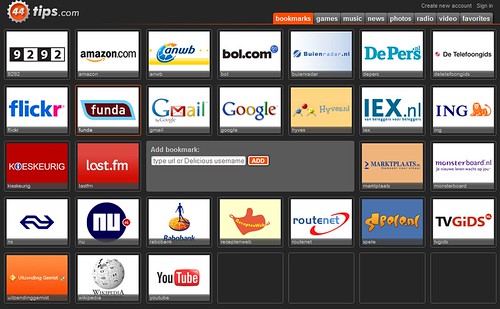
44tips is one of the most impressive start-up pages I have ever seen. Dubbed as “the world’s most social visual start page”, 44tips a website which aims to help users to organize their favorite websites and social networks all into one page in a beautiful interface. Launched a month ago, users can create a functional, simple and easy-to-use startup page with everything you love such as importing photos, videos, music, bookmarks and many more by bring all your online accounts together in one place. Just like the iPhone, in a uniform and visually attractive format.
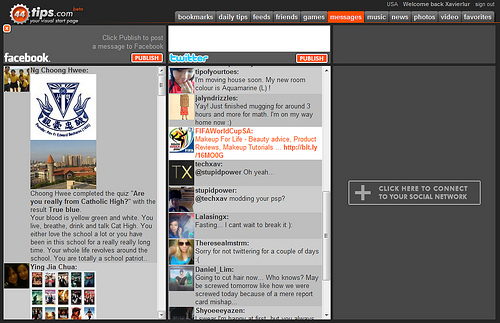
Today, Eric Visser, founder of 44tips told me that he just released two great new features on 44tips that makes your start page even more social than before. If you are using many different social networks, such as Twitter, Facebook, and LinkedIn it is easy to get lost. Besides that, checking for messages and updates will take up quite a huge portion of your time. This is when 44tips makes things easier for you by helping you keep up with your social networks without any much hassle. Simply connect with your favorite networks and 44tips.com shows you all the updates and messages at a glance on one page. Users can even publish their status via their personal start page too. Stay up to date and keep in touch with your friends and relations in a convenient way. As simple as that.
Another useful feature that is worth commenting about is the ability to import all your friends. With this option, users can now import direct links to all your Facebook and Hyves friends to make things extra easy and organized.
So what are you waiting for? Give 44tips a try and I’m sure you’ll love it!