Upgrading from Windows XP to Windows 7? Well, it’s going to take you years if you were to download dozens of essential software like Firefox, Windows Live Messenger and WinRAR to your fresh Windows build. This is when Ninite comes in really handy. Dubbed as “the easiest way to get apps”, this simple but very useful tool allows Windows users to bulk download and install up to 59 popular PC applications with just one double-click.
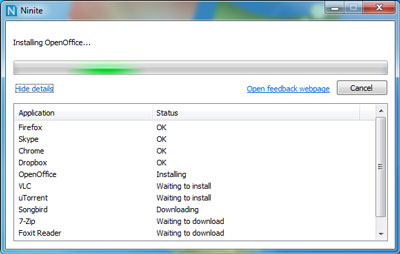
To start, simply head to Ninite and select the apps you want by checking the boxes, download the Ninite installer, then enjoy a cup of espresso while it does all the work for you. The service installs apps with default settings and say “no” to browser toolbars and other junk. It frequently updates the list with the latest versions of the apps to ensure what you get is not outdated.
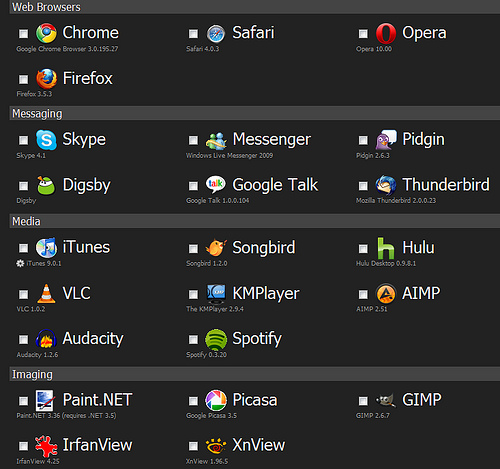
Currently, there are 59 apps listed on Ninite. Basically, I can find all the essential software I need on the site, be it web browsers (Firefox, Google Chrome, Opera), messaging clients (Skype, Windows Messenger), media players (iTunes, VLC, Spotify), imaging software (Picasa, GIMP), document readers (Office, OpenOffice, Adobe Reader), anti-virus software (AVG), and many more.
The folks there plan to to offer business accounts with premium features like local download caching, network share download caching, and a silent mode.