How attractive your background is determines whether people will follow you (although there are much more factors such as how interesting your tweets are, etc.). However, using the same old background isn’t a good idea. Once in a while, you need to change your Twitter background or profile icons so your followers won’t get bored when they view your profile.
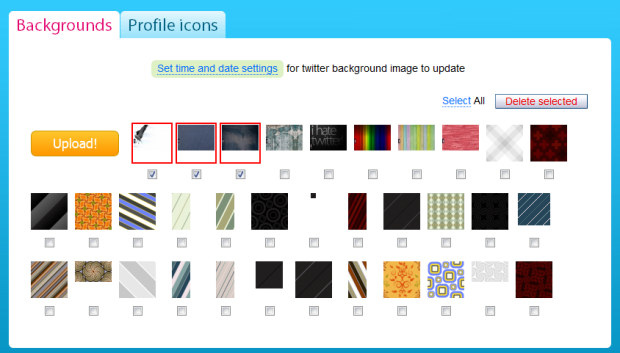
If you’re looking for a way to rotate your Twitter background without any much hassle, here’s how to do it. TwiBack is an app that enables Twitter users to use multiple backgrounds and profile pictures and rotate them automatically. Users can upload their photos, icons, avatars, patterns, designs, background wallpapers, even advertisements and they will change automatically on Twitter’s background on a specific time. This is indeed useful as you need not to head down to the “Settings” options to upload a new background anymore.
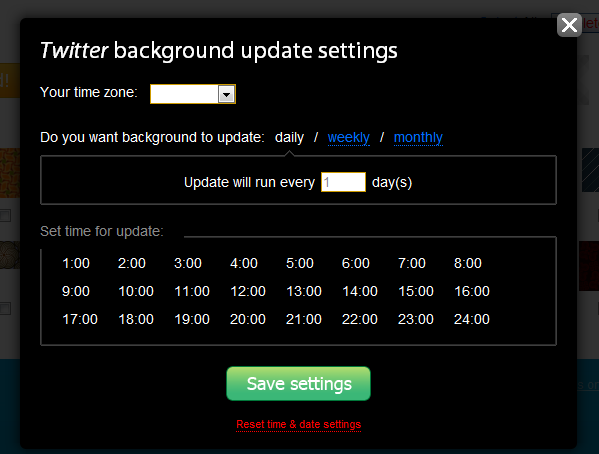
Simply sign in using Twitter OAuth, upload your favorite photos, select the date and time, and you’re good to go! As simple as that. Wait for the day to come and you’ll see your background being changed automatically.