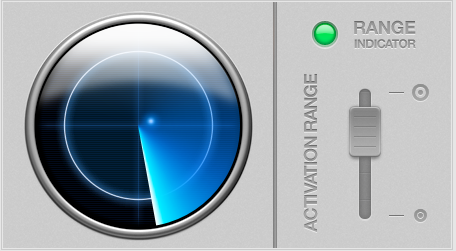
Have you ever left your Macbook on your desk and walked away forgetting to put some sort of screen lock in place? There are quite a number of solutions out there that helps to lock the screen periodically. However, none of them are as useful as Airlock, touted as “your Mac’s new Chief of Security”. AirLock is a preference pane for Mac that automatically locks your Mac when you leave, and unlocks it using your iPhone or iPod Touch when you come back. It works something like those cars equipped with an intelligent system that automatically unlocks the car doors, and allows the engine to be started once the key is brought inside the car when it senses that the correct key is nearby.
You might wonder how is this possible but it really works. Using bluetooth signal from your iPhone or iPod Touch, AirLock will periodically check to see if it is still within the range and performs actions when it’s out of the range. It’s pretty useful when you’re at work. For example, when your colleague asked you to leave your workspace to help out with something, simply walk off and after a certain distance between your device and computer, the screen will automatically be locked. As you’re on your way back to your office, the screen will unlock by itself when it detects the proximity of your device.
However, there is a downside with this app. Airlock will only “pair” with one device at a time, which can result in conflicts if several people use the same Mac. The webpage also warns that “Due to a bug in Mac OS X, Airlock may not be compatible with computers using wireless keyboards or mice.”
Overall, Airlock is an unique and impressive creation. It’s definitely useful for office workers and also students in my school as they use Mac for study-related purposes. AirLock cost $7.77 and you can download it here.
Via TUAW